


Transform your GPX track into a 3D topographic relief
Your GPX file contains more than just a route: it tells the story of the terrain you've covered. Epic Trace integrates it into a 3D topographical relief of the actual terrain, in color, exactly where you've been – then manufactures the piece in France, on a solid oak base.
Your GPX track becomes a 3D relief in four steps
Everything happens in our configurator: you create, you visualize, you validate. We then manufacture.
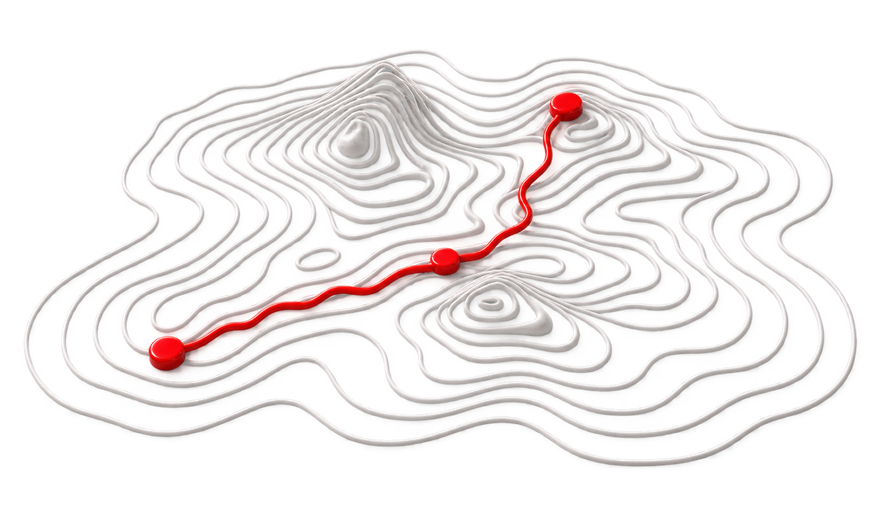
Retrieve your GPX file
Export your activity from Strava, Garmin Connect, Komoot or your GPS watch. A standard GPX file is sufficient.

Import and crop
The configurator places your trace on the actual terrain. You adjust the area, framing, and orientation.
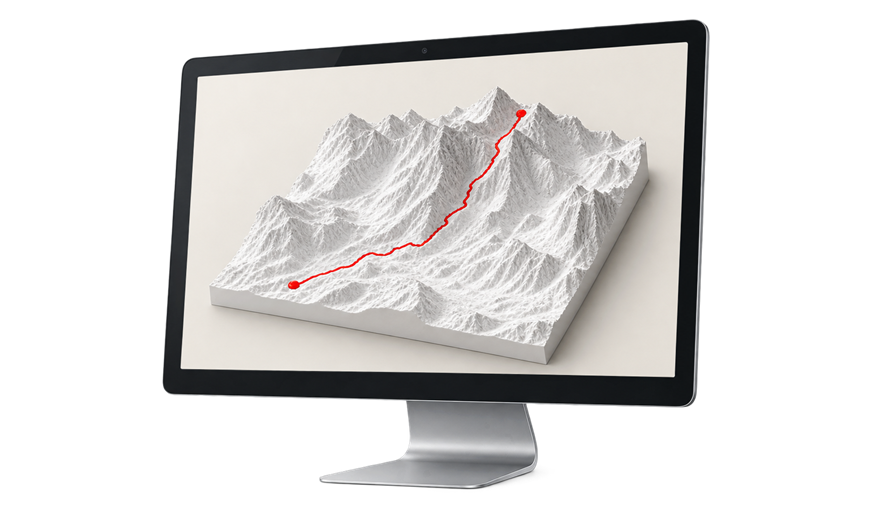
Visualize in 3D and save
You see your relief exactly as it will be manufactured, you save your project, and you order.
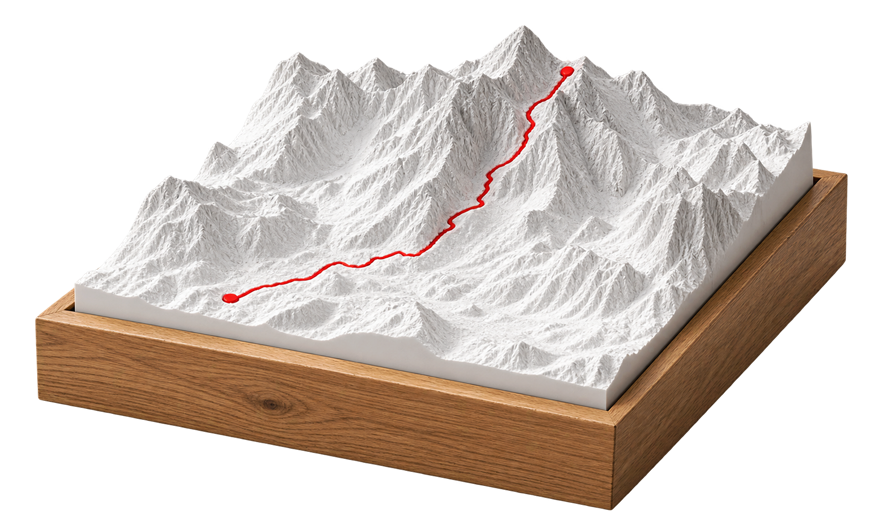
We manufacture your part
3D printing, optional engraving of the oak base, assembly and inspection before shipping.
Your creation is made from the configuration you validate.
Visualize your relief in 3D before ordering
This is the big difference with Epic Trace: before paying, you manipulate your relief in 3D on the screen. You see the terrain, your track, the framing and the base. What you approve is what we produce.

One triathlon, two editions of a race, one staged itinerary
Three tracks on the same terrain open up unique possibilities: the three disciplines of a triathlon, each in its own color, two editions of the same race for comparison, or the successive stages of a crossing.
- Up to three GPX tracks on the same terrain, each with its own color
- Accurate 3D preview: terrain, path, framing, and base
- Optional engraving: distance, elevation gain, time, date, race name
- 3D printed and assembled in France, solid oak base
Strava, Garmin, Komoot or your GPS watch
Strava: open your activity, then export it in GPX format from the activity options.
Garmin Connect: each activity can be exported in GPX format from its detail page.
Komoot: both your planned routes and recorded rides can be exported in GPX format.
GPS watch or computer: most devices (Garmin, Suunto, Coros, Polar, Wahoo, etc.) record your rides in a format that can be exported in GPX via their application.
Don't have the track readily available? Tell us which route you have in mind: we will find it or recreate it for you.
Everything about GPX tracks
A question not covered here? Write to us; we respond within 1 to 2 business days.
Which file is it exactly?
A standard GPX file, the export format offered by almost all GPS applications and watches. If your app offers multiple formats, choose GPX.
Can I use a Strava activity?
Yes, the easiest way is to connect your account: in the configurator, click the "Strava" button, authorize access, and choose your activity—its trace will appear on the map. We only read your activities; nothing is ever published.
You can also export the activity in GPX format from Strava and then import the file: this is particularly useful for planned routes.
Can I choose the frame around my trace?
Yes. You can freely adjust the represented area, framing, and orientation in the configurator: centered on the finish line, on the summit, or on the entire route — you decide, with the 3D preview in front of you.
I don't have a GPX file, is that a problem?
No. You can create a relief without any trace, from a location or a mountain. And if you want a trace but don't have the file, tell us what route you have in mind: we will find it or recreate it for you.
Can I see the rendering before ordering?
Yes, it's even the core of Epic Trace: you create, visualize, and validate your relief in 3D in the configurator before placing your order.
Your trace deserves better than a screen
Import your GPX file, visualize your relief in 3D, and receive the piece at home.